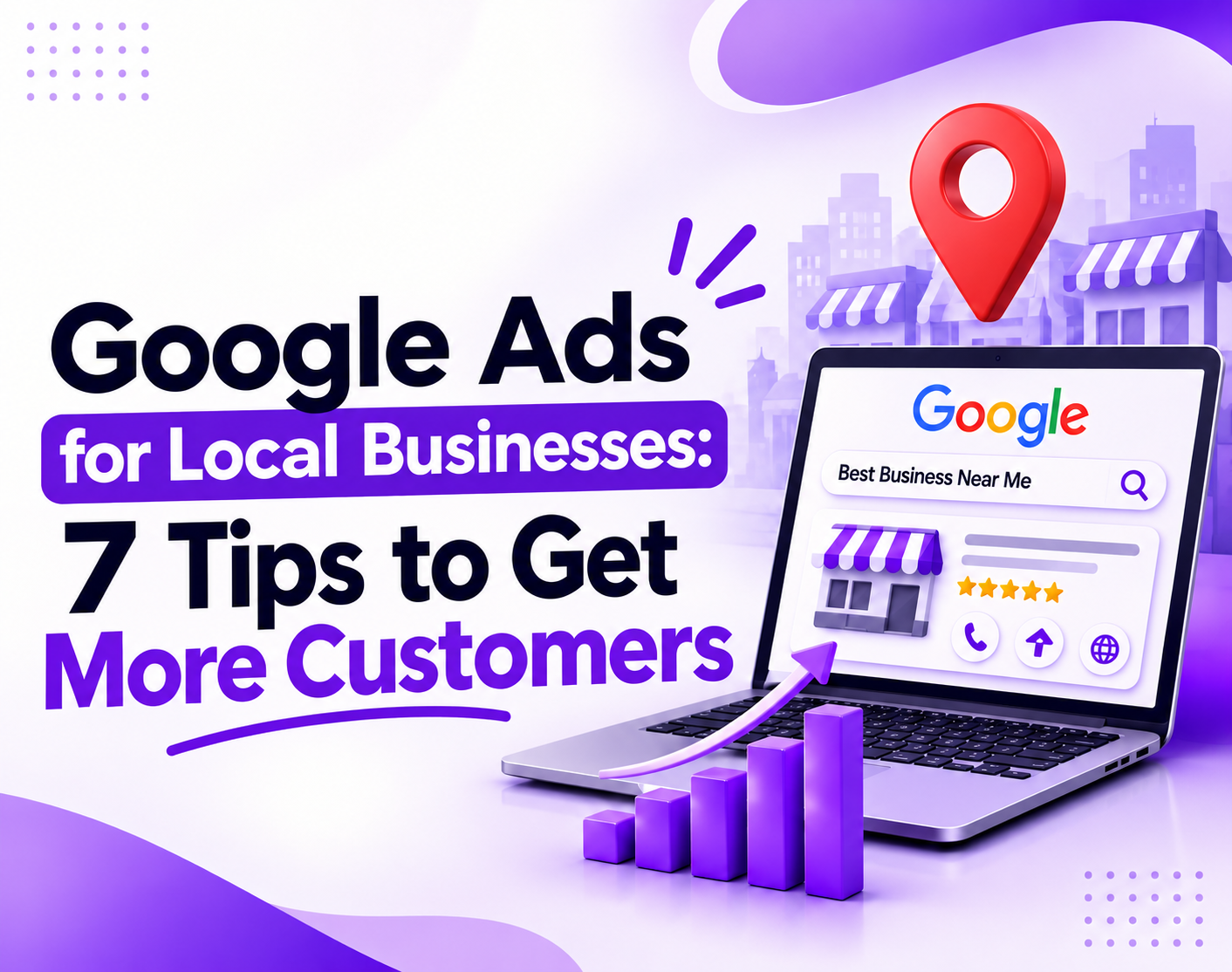
Many owners think Google wastes their ad money. In most cases, the settings are the real problem.
Picture a plumber who pays $9 for a click. The caller lives two cities away. No job follows. Repeat that forty times a week and the stakes get real. That is rent, payroll, and a slow month that feels personal.
Google Ads for local businesses can fix this. You choose who sees your ad, where they stand, and when they see it. This guide gives you seven tips, real cost numbers, and plain answers. If you want expert hands on your campaigns, see our PPC services.
Do Google Ads Work for Small Businesses?
Yes, Google Ads work for small businesses that target the right people. Someone typing “plumber near me” wants to buy now. You pay per click, so tight settings protect your budget.
Ads fail when owners skip tracking or send clicks to a weak page.
The numbers back this up. WordStream’s 2026 benchmarks show an 8.18% average conversion rate across search campaigns.
That means about eight clicks in every hundred become a lead. Your results will differ. Your setup decides which side of the average you land on.
Does Paid Advertising for Small Business Work?
Paid advertising for small business works when you pay for attention at the exact moment a customer is ready to act. You do not wait for referrals or hope someone finds you.
You show up when they search, and you pay only when they click. New to the different channels? Our guide to the types of digital marketing explains where paid ads fit.
How Much Do Google Ads for Local Businesses Cost?
Costs vary by trade. WordStream’s 2026 benchmarks reveal an average cost of $5.42 per click. The average cost per lead is $66.69 across industries. Home improvement averages $8.33 per click.
| Industry | Average cost per click |
| All industries | $5.42 |
| Business services | $5.87 |
| Dentists and dental services | $8.00 |
| Home and home improvement | $8.33 |
| Attorneys and legal services | $9.87 |
Method: WordStream and LocaliQ benchmarks for search campaigns from April 2025 to March 2026. These are US averages, not promises. Costs in your city may be higher or lower.
WordStream also reported that the average cost per lead fell for the first time in five years. Conversion rates rose enough to offset higher click prices. A click price alone does not tell the whole story.
How to Set Your Budget
Use this simple formula:
- Decide how many new customers you want each month.
- Divide that number by your close rate to find the leads you need.
- Multiply the leads by your cost per lead.
Say you want 10 customers and close 1 in 4 leads. You need 40 leads. At the $66.69 average, that costs about $2,668 a month.
That figure scares people. Now compare it to what one customer is worth over five years. That is your customer lifetime value, and it changes the math.
Not ready for that spend? Start with a test budget of $30 to $50 a day for one service in one area. At $5.42 a click, $30 buys about five clicks. At $8.33, it buys about three. In pricey trades, you may need more to gather useful data.
Want a budget built around your trade and city? Book a free Google Ads review. Our paid vs organic search guide also helps you split your spend.
Read more about digital marketing budget allocation
7 Tips for Running Effective Paid Ads for Small Companies
Seven practical tips to help your ads reach local buyers. These tips will reduce wasted clicks and turn calls into customers.
Tip 1: Bid on Searches That Signal Buying Intent
Start With Service Plus Place
Think about your customer at 9 p.m. with a leaking pipe. They type “emergency plumber near me.” They never type “quality plumbing solutions.” Build your keyword list in their voice.
Pair each service with a city, a neighborhood, or a zip code. Add urgency words like same day, open now, and emergency. These local paid search terms signal a buyer, not a browser.
Use Phrase and Exact Match on a Small Budget
Match types tell Google how loosely to read your keywords. Broad match lets Google guess. On a small budget, guessing costs real money. Start with phrases and exact matches.
You keep control and collect cleaner data. Add broad matches later, once conversions guide Google.
Block Wasted Clicks With Negative Keywords
Your search terms report is like a confession booth. It shows every phrase that triggered your ad. Check it every week.
Add negatives like jobs, salary, free, DIY, and course. Yes, someone will search “plumber salary” and click your ad. Twice. A person who wants a repair video is unlikely to book your van.
Owners often add negatives once and never return. Check the report weekly for your first month. New junk phrases appear fast.
Your keyword list works like a filter. The tighter it is, the less money leaks out.
Tip 2: Lock Down Your Location Targeting
Pick Radius or Zip Code Targeting
Radius targeting draws a circle around your shop. Zip code or city targeting follows real service borders. Radius suits stores and clinics. Zip codes suit service area businesses like cleaners and electricians.
A ten mile circle can swallow a town you never visit. Check the map before you save. Good google ads location targeting starts with your real driving range.
Switch to Presence, Not Presence or Interest
This setting uses more budget than any other. Google often defaults to “Presence or interest.” That shows your ad to people who merely show interest in your area. Someone in another state, researching a move to your city, can click.
Choose “Presence: people in or regularly in your locations.” You find it under location options in campaign settings. Bigger reach sounds better. It is not.
Exclude Areas You Cannot Serve
Add exclusions for towns outside your range. Add them for areas where jobs rarely pay. Review the locations report each month. If one zip code sends ten clicks and zero calls, cut it.
Every wasted click is money you did not spend on the neighbor who needed you.
Who Sees My Google Ad When I Use Radius Targeting?
When you choose the Presence setting, people in your area or those who visit often will see your ad. If you leave Presence or interest on, people outside the circle who show interest in the area can also see it. Pick Presence to stay local.
Tip 3: Connect Your Google Business Profile and Add Local Assets
Link Your Profile to Your Ads Account
Google Business Profile used to be called Google My Business. Link it inside Google Ads under Assets. Your address, hours, and reviews then flow into your ads and Google Maps placements.
Searchers see a map pin and a phone number. That is the gap between a click and a visit.
Here’s the part owners skip. Claim and verify the profile first. Add real photos, correct hours, and your service areas. Ask for a review after every job.
[ADD: one real quote from a client review or recorded call, with permission.]
Searchers compare star ratings before they compare prices. Reviews do half your selling.
Add Call, Location, Review, and Sitelink Assets
Google renamed extensions to assets. The idea stayed the same. A call asset adds a tap to call button. A location asset shows your address. A sitelink asset sends people to a service page.
Google counts the expected impact of assets when it ranks your ad. Extra assets also take up more space and push rivals down.
This step matters for google ads for local business owners who rely on phone calls. Set up every asset your trade can use.
Keep Your Name, Address, and Phone Number Identical
NAP means name, address, and phone number. Keep it identical on your site, your profile, and your directories. “Street” on one page and “St.” on another creates doubt. Small gaps cost trust. Our local SEO mistakes checklist shows how to find them.
A complete profile works like free advertising that makes your paid ads look safer to click.
Not sure your profile and ads are linked correctly? Ask My Dedicated Marketers for a free account check.
Read more about online marketing in UAE
Tip 4: Write Ad Copy That Sounds Local
Put the City, the Offer, and Proof in the Headline
Compare two headlines. “Quality Plumbing Services” tells nobody anything. “Same Day Plumber in Austin” says what and where. Now add proof. Licensed, insured, 4.9 stars from 380 reviews. That is a real reason to click.
Use the words your neighbors use. Say “Brooklyn” or “North Dallas,” not “the greater metropolitan area.” Local slang and neighborhood names signal that you actually work there.
Build Responsive Search Ads the Right Way
Responsive search ads let you write up to 15 headlines and 4 descriptions. Google mixes them to find winners. Write every headline so it works alone. Cover location, service, offer, trust, and a call to action. Pin your city headline to position one if it must always show.
See a Before and After Example
These are sample ads for a dentist, written to show the change.
| Version | Headline | Why it works or fails |
| Before | Best Dental Care. Call Us Today. Affordable Prices. | No city, no proof, no reason to pick you |
| After | Emergency Dentist in Denver. Open Saturdays. 4.9 Stars, 520 Reviews. | Place, timing, and trust in one glance |
Your ad has one job. Make the right person feel seen in three seconds.
Tip 5: Send Clicks to a Landing Page That Matches the Ad
Build One Page per Service or Location
Your homepage tries to please everyone. A landing page pleases one searcher. If your ad says “water heater repair in Tampa,” the page must say the same. Build one page for each core service. Need help building them? Our web development team designs landing pages made to convert.
Add Click to Call, Reviews, and a Short Form
Put your phone number at the top. Make it tappable on mobile. Add three real reviews, a map, and a form with three fields: name, phone, and need. Every extra field costs you leads.
Mobile searchers leave slow pages fast. Test your page on a phone with real data, not office Wi-Fi.
Mobile searchers leave slow pages fast. Test your page on a phone with real data, not office Wi-Fi. Our post on good website loading speed in 2026 shows the benchmarks to aim for.
Match the Message
Message match means your ad headline and page headline agree. When they clash, people think they clicked the wrong thing. They leave in seconds.
Here’s my unpopular opinion. Your beautiful homepage may be hurting your ads. A plain page with a huge call button often beats a polished brand site.
Better conversion rate means lower cost per lead. That is free money hiding in your own website.
Read more about website loading speed
Tip 6: Choose the Right Campaign Type for Your Local Paid Ads
Use Search Campaigns for Control
Search campaigns let you pick keywords, write ads, and set bids. They suit stores, clinics, and service companies that want control. Most local paid ads start here.
Use Local Services Ads When You Qualify
Local Services Ads put a Google Guaranteed or Google Screened badge at the top of results. You pay per lead, not per click. A lead means a call or a message.
Google checks your license, insurance, and background first. Not every trade or city qualifies, so check eligibility early.
One agency reports that home service leads can cost around $25 to $45 in some markets. Use this as a rough estimate, as actual costs depend on your location and competition.”
| Feature | Search campaigns | Local Services Ads |
| How you pay | Per click | Per lead |
| Keyword control | You choose | Google matches by service type |
| Ad copy control | Full | Limited to your profile |
| Setup time | Days | Longer, due to screening |
| Best for | Control and testing | Eligible trades wanting leads |
Add Call Options and Ad Schedules
If phone calls close your jobs, use call assets or call focused ads. Google changes formats often, so check what your account offers.
Schedule matters more. Ads run all day and night by default. If nobody answers at 10 p.m., pause ads then or route calls to an answering service. A missed call is a lead you paid for and lost.
Are Local Services Ads Better Than Google Search Ads?
Local Services Ads suit eligible trades that want leads without paying for clicks. You pay per lead and earn a Google Guaranteed badge. Search ads give more control over keywords and copy. Many local businesses run both and compare cost per customer.
Tip 7: Track Every Lead and Review Results on a Routine
Track Calls, Forms, and Direction Requests
If you skip call tracking, you are guessing. Set up conversion tracking for calls from ads, calls from your site, form fills, and direction requests. Set a minimum call length. Sixty seconds filters wrong numbers and spam. A short call asking for directions is not a lead.
Import Offline Conversions
A $5,000 job and a $500 job both look like one lead. Google cannot tell the difference. Offline conversion import fixes that. Log closed jobs in your CRM. Send the value back to Google. Smart Bidding then hunts for more $5,000 customers.
Most advisors want about 30 conversions a month before you switch on Smart Bidding. Until then, manual control is safer.
Follow a Weekly and Monthly Checklist
Every week:
- Read the search terms report and add negatives.
- Listen to a few recorded calls.
- Check that your daily budget paces correctly.
Every month:
- Review cost per lead and conversion rate.
- Check search impression share for your best keywords.
- Review the location’s report and cut dead zones.
- Test one new headline.
Clicks are not customers. Judge every campaign by booked jobs.
Ready to stop guessing? Get a tracking and campaign audit from My Dedicated Marketers.
Read more about digital marketing for small businesses
Conclusion
Google Ads for local businesses rewards owners who stay specific. Target buying keywords. Fix your location setting. Link your profile. Write like a neighbor. Match your landing page. Pick the right campaign type. Track every lead.
The holiday hosting season is close. Cleaners, plumbers, and caterers feel it first. Set this up before the rush, not during it.
Paid advertising for small business rewards owners who stay specific and track every lead.Explore all our digital marketing services or check our pricing plans to find the right fit.
Want a second set of eyes on your account? Request your free Google Ads review. We will show you where your budget leaks and how to plug it.
Frequently Asked Questions
How long do Google Ads take to work?
Ads can bring clicks the day they go live. Calls often start within the first week. Real profit usually takes 30 to 60 days. Early data shows you what works. Expect to adjust keywords, locations, and copy during that time.
Can I run Google Ads without a website?
Yes, but results suffer. Local Services Ads can send people straight to your phone. Standard search ads need a destination. A simple one-page site with your number, reviews, and a form works far better than none.
Are Google Ads worth it on a small budget?
Yes, if you target tightly. Use phrase and exact match, a small radius, and ad scheduling. A large budget on loose targeting wastes more than a small budget on precise targeting. Start with one service in one area.
Should a local business use Google Ads or Facebook Ads?
Google Ads reach people searching right now, so intent runs higher. Facebook ads interrupt people who are browsing and fit promotions or awareness. Most local service businesses start with Google. They add Facebook later to remarket to site visitors.
Should I hire an agency or run Google Ads myself?
Run them yourself if you can review the account weekly and read the data. Hire help if time is short or budget burns fast. A good agency shares reports, explains every change, and lets you own the account.
What are the best paid ads for small businesses?
For most local companies, Google Search ads work best because they reach people already looking for your service. Local Services Ads suit eligible trades. Facebook ads work better for promotions and remarketing.